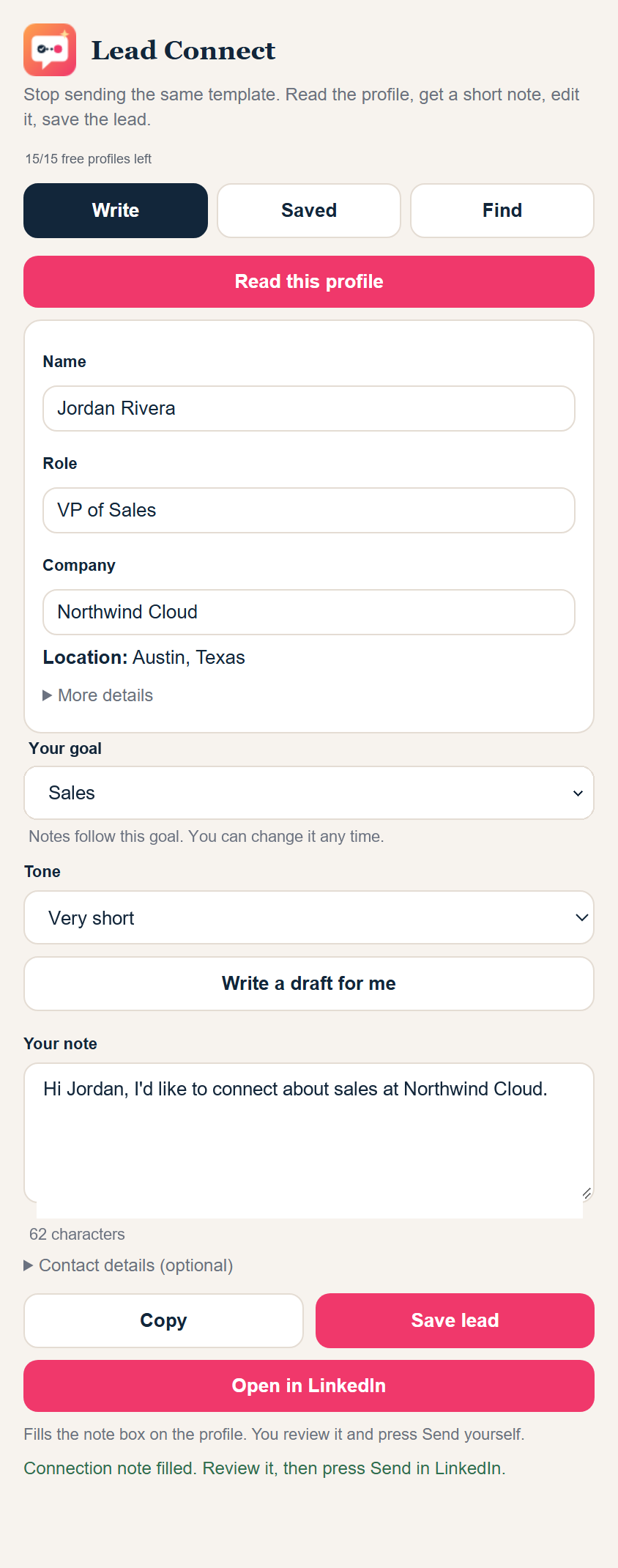
Open a profile, click Lead Connect, and get a short note written for that person. Edit it, send it yourself, and save the lead.
The problem
Most people send the same template to everyone, and most of those notes are ignored.
A generic note looks generic. People can tell in one second.
Reading every profile and writing a fresh note adds up to hours each week.
Tools that send for you can put your account in danger.
How it works
No setup, no spreadsheets. Install it, sign in with Google, and open any LinkedIn profile.
Click Lead Connect on any profile. It picks up the name, role, company and connection level.
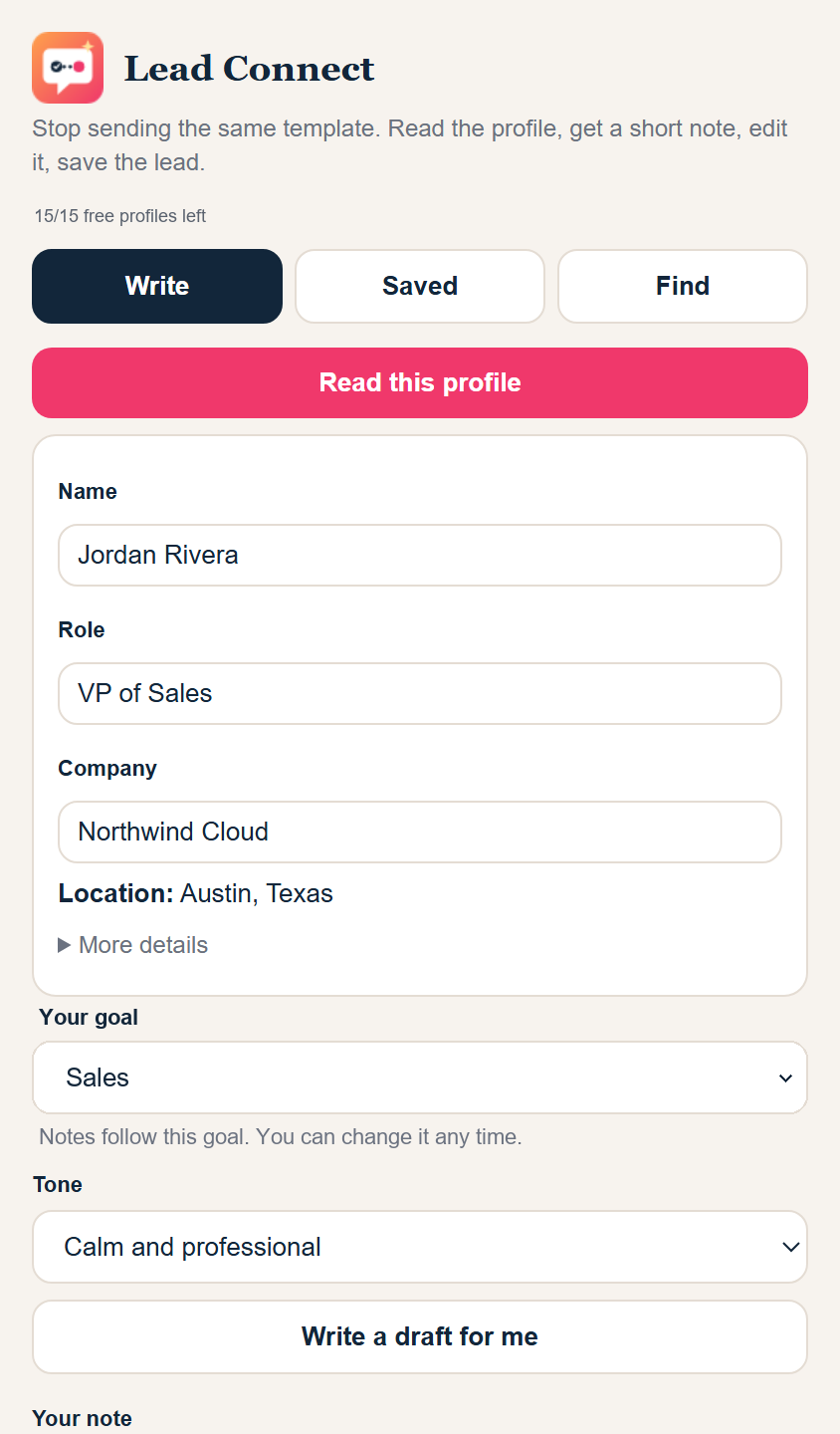
Get a short draft in seconds, make it yours, and fill LinkedIn's note box with one click. You press Send.
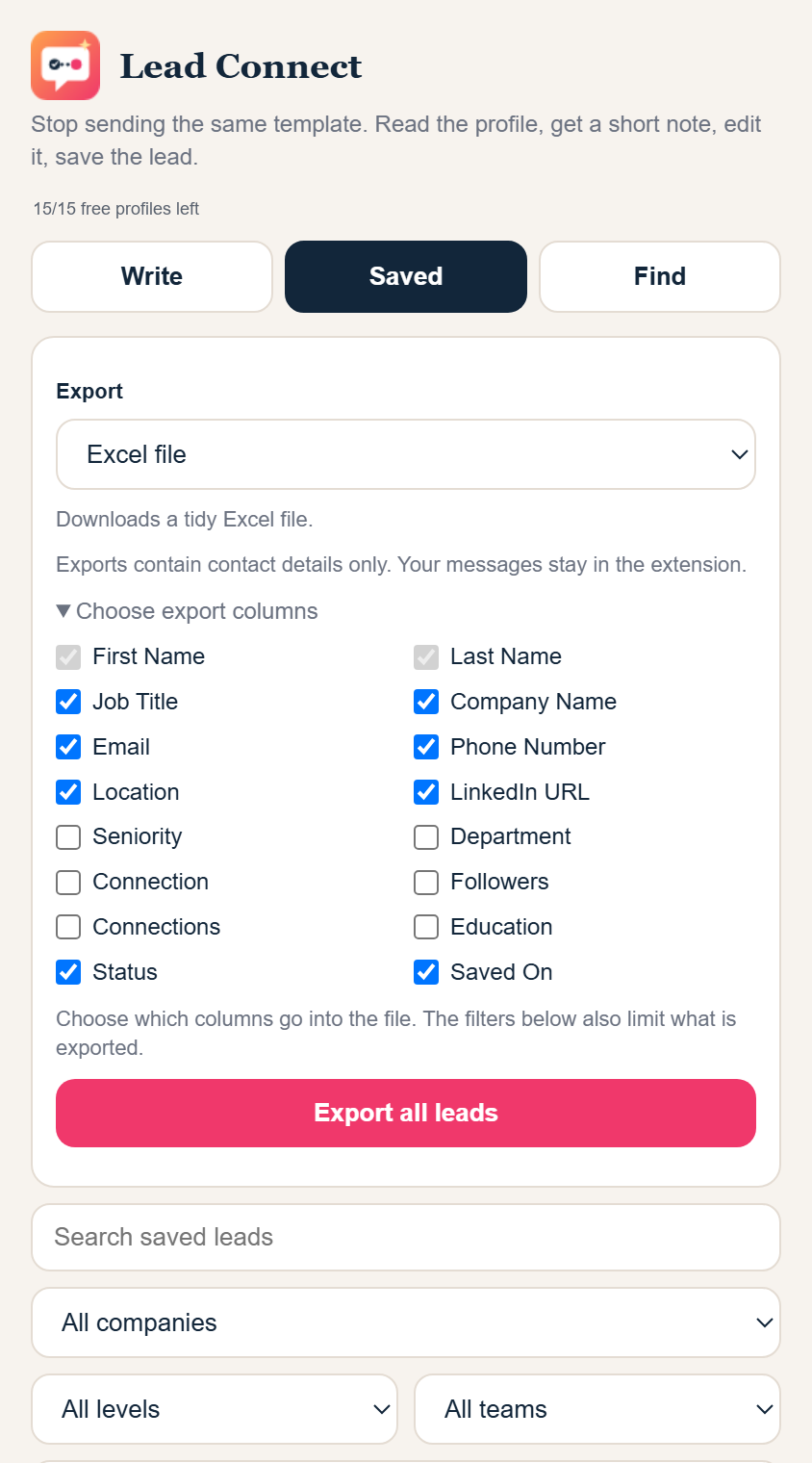
Keep every lead, filter by level or team, and download an Excel or CSV file for any spreadsheet or CRM.
What you get
One small extension. No extra apps to learn.
A short note based on the person's role and company, in a tone you choose.
It fills the box. It never sends a single note for you.
Save with one click. Search and filter by company, seniority and team.
Pick your columns and download a clean file.
Start from your ideal customer and open the search in your own LinkedIn.
A daily limit helps you stay within sensible use of LinkedIn.
The draft is only a starting point. Rewrite it any way you like.
Sign in with Google and your first profile is a click away.
Pricing
Use the full product on 15 profiles. If it saves you time, continue on a monthly plan. You can cancel anytime.
Saved leads live in your own browser. We do not keep a copy.
To write a draft, we send the name, role and company of the profile you read. We do not store them.
Google sign-in is used to count your free profiles. Read the privacy policy.
No. Lead Connect only fills the note box. You review the note and press Send yourself.
Each new profile you ask a draft for uses one of your 15 free profiles. Rewriting the draft for the same profile does not use another one, up to a limit. After that, the monthly plan is $29.
You send every note yourself, and the extension never sends messages or collects profiles in bulk. A daily safety limit is built in. Please use LinkedIn responsibly and follow its rules.
It lets us count your free profiles and keep them linked to you. We do not read anything else.
Your saved leads stay in your browser. Nothing from them is stored on our side.
Google Chrome on desktop.
Contact
Send us a message and we will reply by email.
Prefer your own email app? Write to us directly
Add Lead Connect to Chrome. Your first 15 profiles are free, no credit card.
Add to Chrome - try 15 profiles free